Quick answer
Delta Executor for PC is the Windows edition of Delta. Download the Windows installer from the official link, add a temporary antivirus exclusion only for the Delta folder if the file is blocked, run the installer, open Delta next to the Roblox app and paste your key. It needs Windows 10 / 11 (64-bit) and an up-to-date Roblox client.
Delta Executor for PC
Delta PC at a glance
- File: Windows installer / bootstrapper.
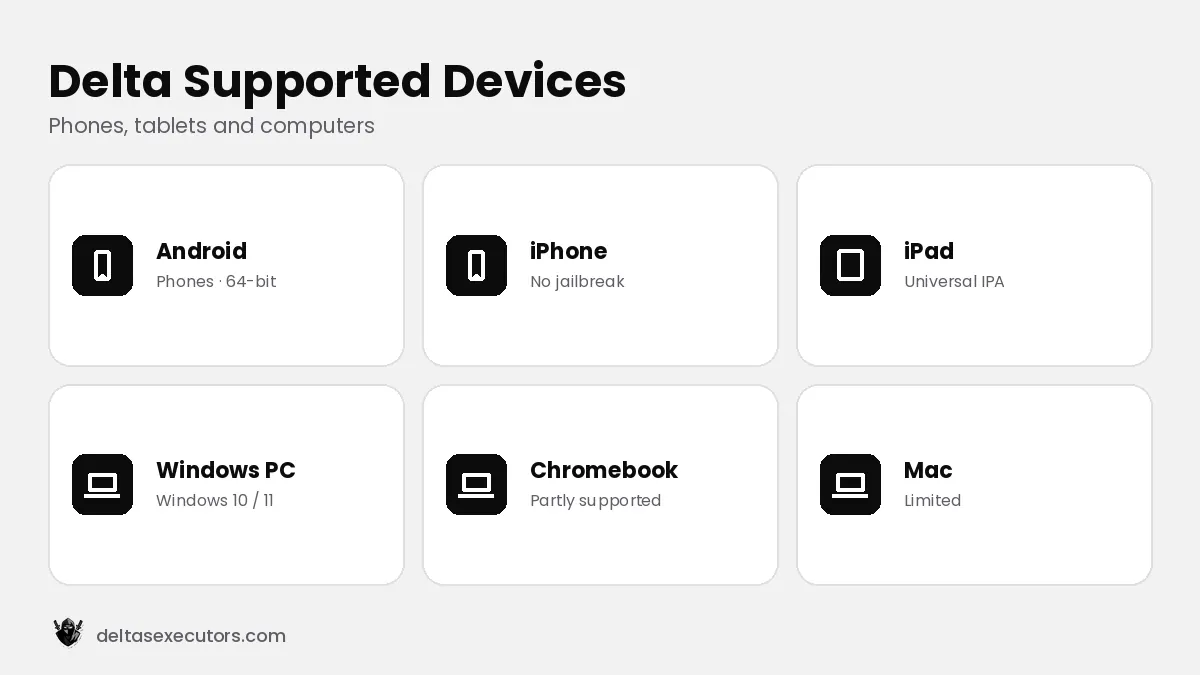
- System: Windows 10 / 11 (64-bit).
- Works with: the Roblox desktop app (not the Microsoft Store version).
- Version: Latest build (checked October 21, 2026).
How Delta works on Windows
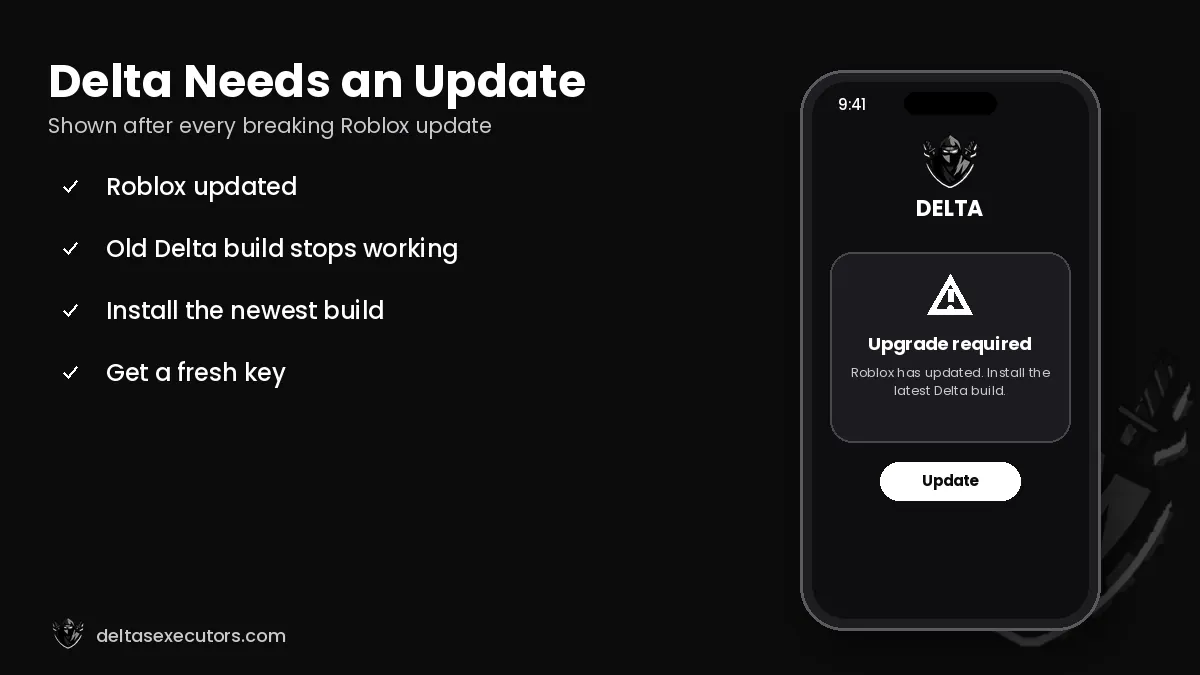
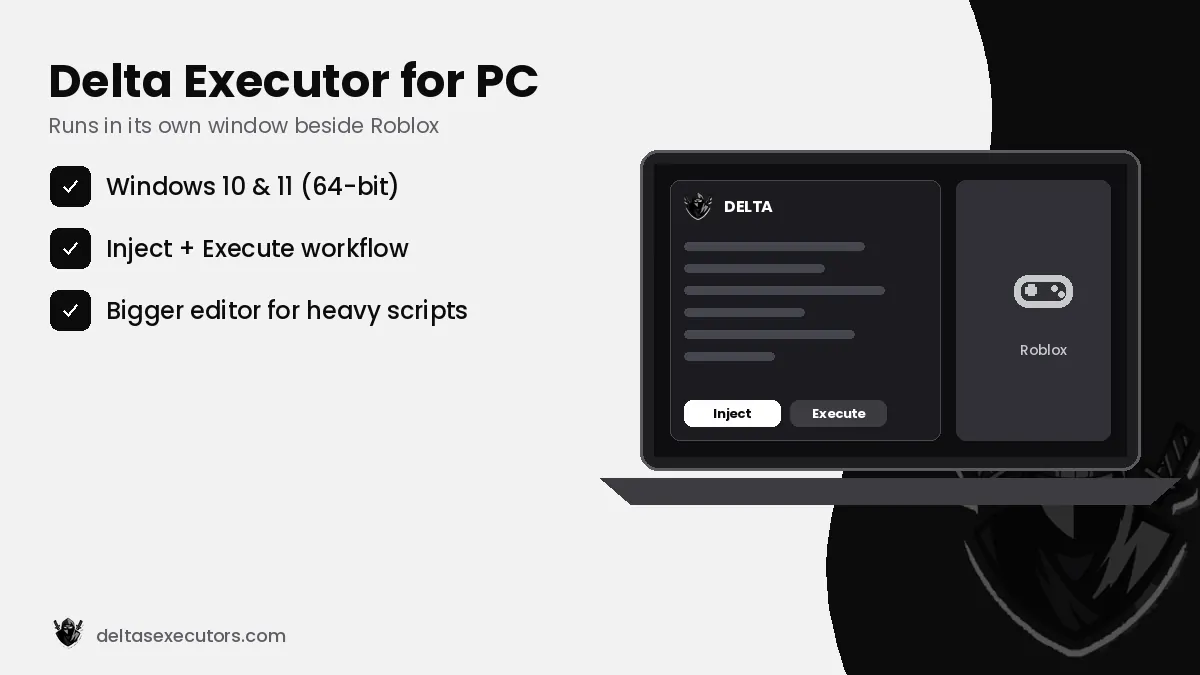
On PC, Delta runs as its own window and attaches (“injects”) to the Roblox desktop client after you join a game. Roblox protects its Windows client with an anti-tamper system called Hyperion (also known as Byfron), which is why PC executors break more often than mobile ones and why new builds are needed after Roblox updates. If the Delta PC status shows “patched”, wait for the next release instead of trying random fixes.
How to download and install Delta Executor on PC
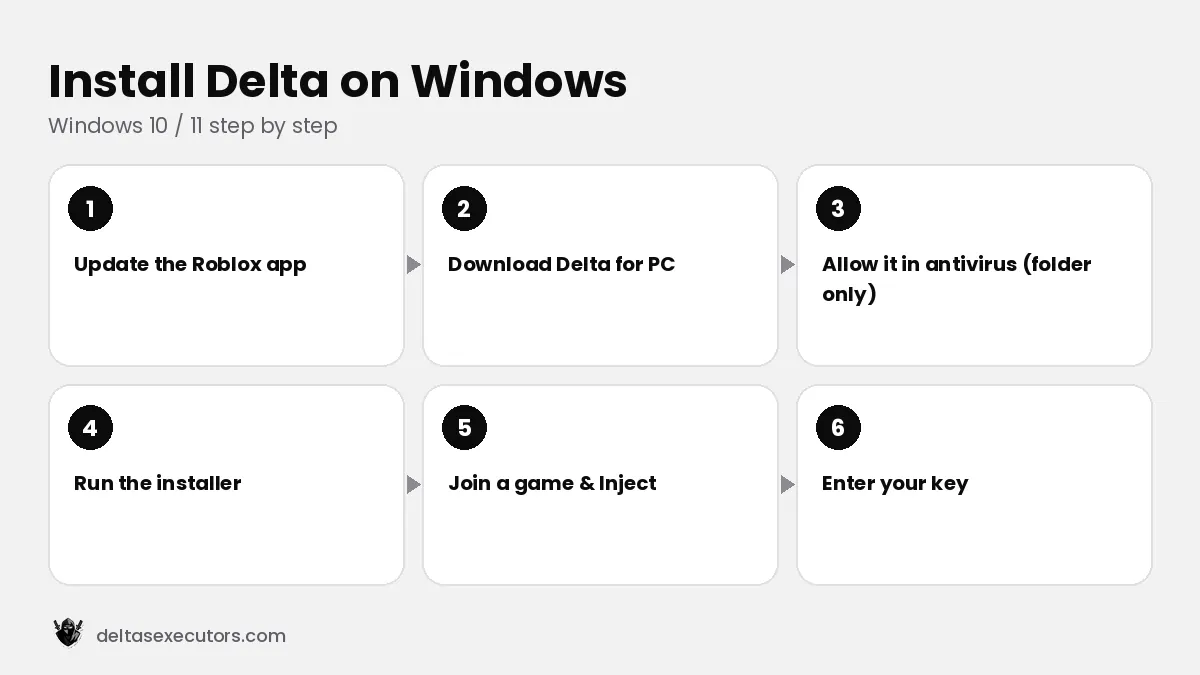
- Update Roblox. Open the Roblox desktop app once so it installs the latest version.
- Download Delta for Windows using the button on this page and save it in a new folder, for example C:\Delta.
- Handle the antivirus warning. Windows Defender may label executors as “HackTool”. If you trust the source, add an exclusion for that one folder only — never turn protection off completely.
- Extract and run the installer as administrator, then let it download its files.
- Open Roblox, join a game, then open Delta and press Attach / Inject.
- Enter your key from the key system and start executing scripts.
PC system requirements
| Operating system | Windows 10 / 11 (64-bit) |
|---|---|
| Processor | Dual-core 2.0 GHz or better |
| RAM | 4 GB minimum, 8 GB recommended |
| Storage | 1 GB free space |
| Extras | Microsoft Visual C++ Redistributable (x64) and .NET runtime if the installer asks for them |
| Roblox | Desktop app from roblox.com (Microsoft Store version is not supported) |
Can I use the Android version on PC?
Yes. If the Windows build is patched, many players install the Delta APK inside an Android emulator such as BlueStacks, MuMu or LDPlayer. Enable a 64-bit Android instance, give it at least 4 GB of RAM and install the APK by dragging it into the emulator window. Performance depends on your PC, but it is a practical backup option.
Delta PC errors and fixes
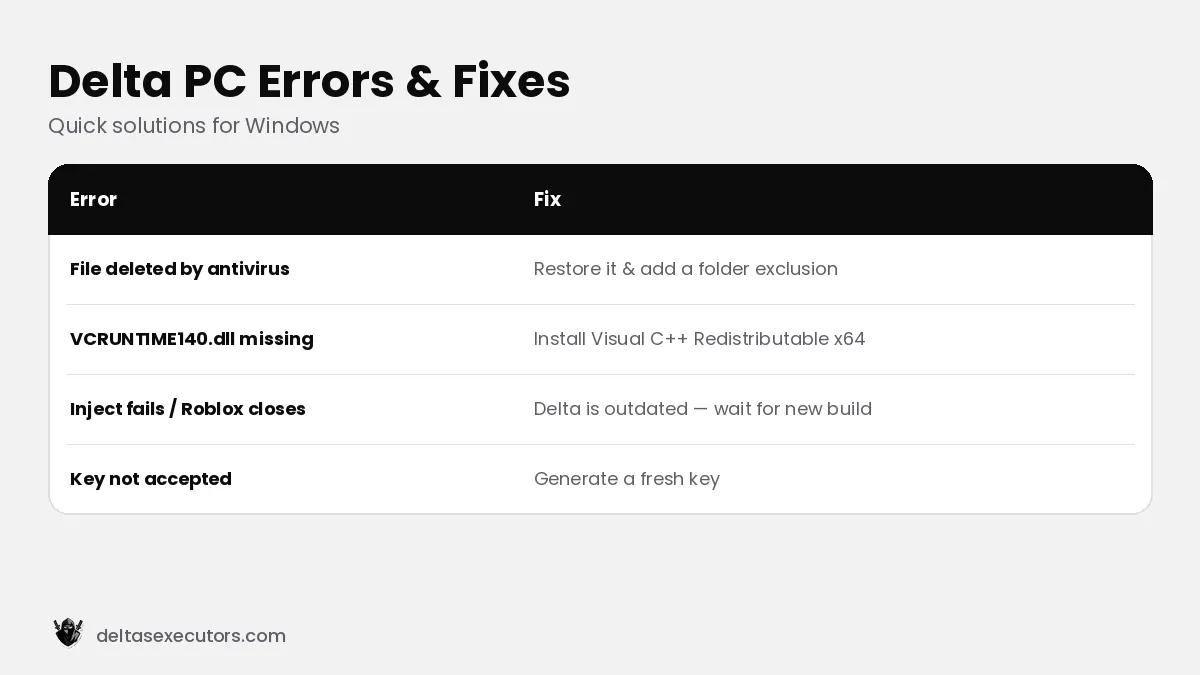
| Error | Fix |
|---|---|
| File deleted after download | Restore it from Windows Security → Protection history and add a folder exclusion. |
| Missing DLL / VCRUNTIME140.dll | Install the latest Visual C++ Redistributable (x64). |
| Inject fails / Roblox closes | Delta is out of date or patched — wait for a new build. |
| Key not accepted | Generate a new key; keys expire after a set time. |
Is Delta Executor safe for PC?
Executor tools are flagged by Windows Defender because they inject code into another program, so a warning on its own does not mean the file is malware. On PC the bigger risks are fake “Delta” downloads that bundle password stealers, and Roblox account bans. Only use the official installer, keep the exclusion limited to one folder, and use an alt account. Read our full safety guide before installing.
Delta Executor PC FAQs
Is there a Delta Executor for PC?
Yes. Delta has a Windows edition that attaches to the Roblox desktop app. When it is patched, the Android APK in an emulator is a common alternative.
Why does Windows Defender delete Delta?
Executors inject code into Roblox, so Defender flags them as HackTools. If the file is from the official source, add an exclusion for that folder only.
Does Delta PC work with the Microsoft Store Roblox?
No. Use the Roblox desktop app downloaded from roblox.com.
Is Delta Executor safe for PC?
The official build is generally a false positive for antivirus tools, but fake downloads can contain password stealers and using it can lead to a Roblox ban.
Can I use Delta on Mac?
There is no dedicated macOS build. Apple-silicon Macs can sometimes run the iOS version, or you can use an Android emulator.

Written by Delta Executors Editorial Team
We test Delta Executor builds on Android phones, iPhones and Windows PCs and update these guides after every Roblox and Delta release.