Quick answer
To get Delta Executor APK on Android, uninstall the Play Store version of Roblox, download the latest Delta APK from the official link, allow “Install unknown apps” for your browser, install the file and open Delta. Then tap Receive Key, finish the checkpoints and paste the key to start executing scripts.
Delta Executor APK
Delta APK at a glance
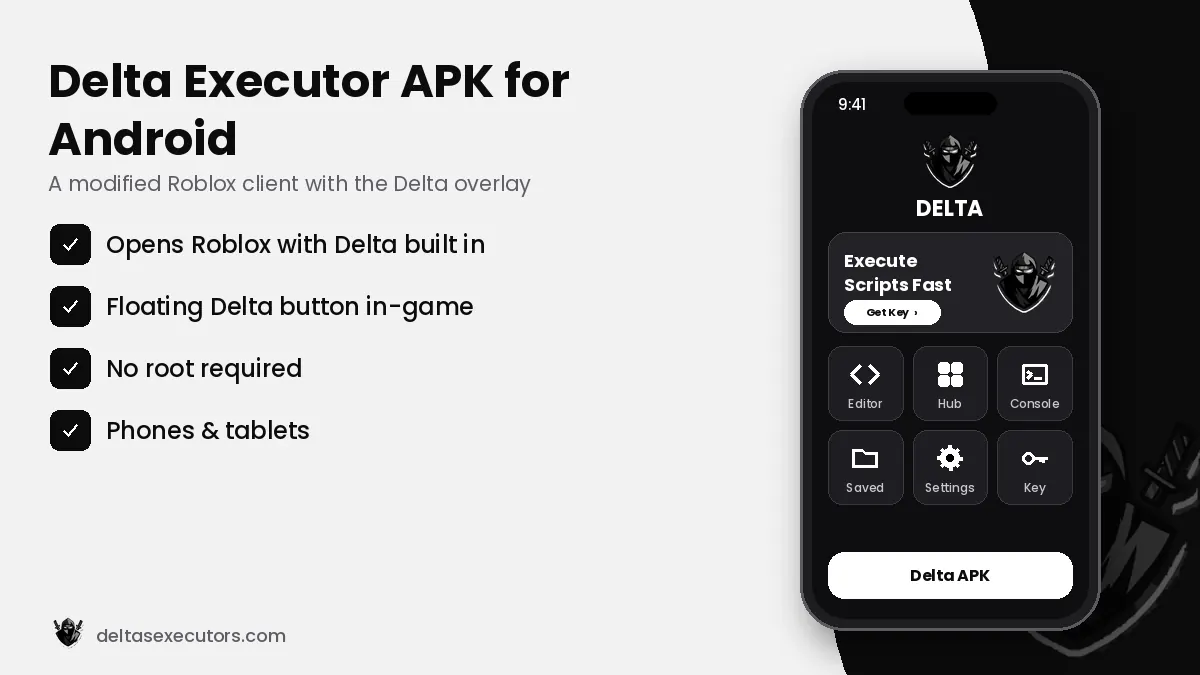
- File: Android APK — a modified Roblox client with the Delta overlay built in.
- Version: Latest build (checked October 21, 2026).
- Size: ≈ 200–230 MB.
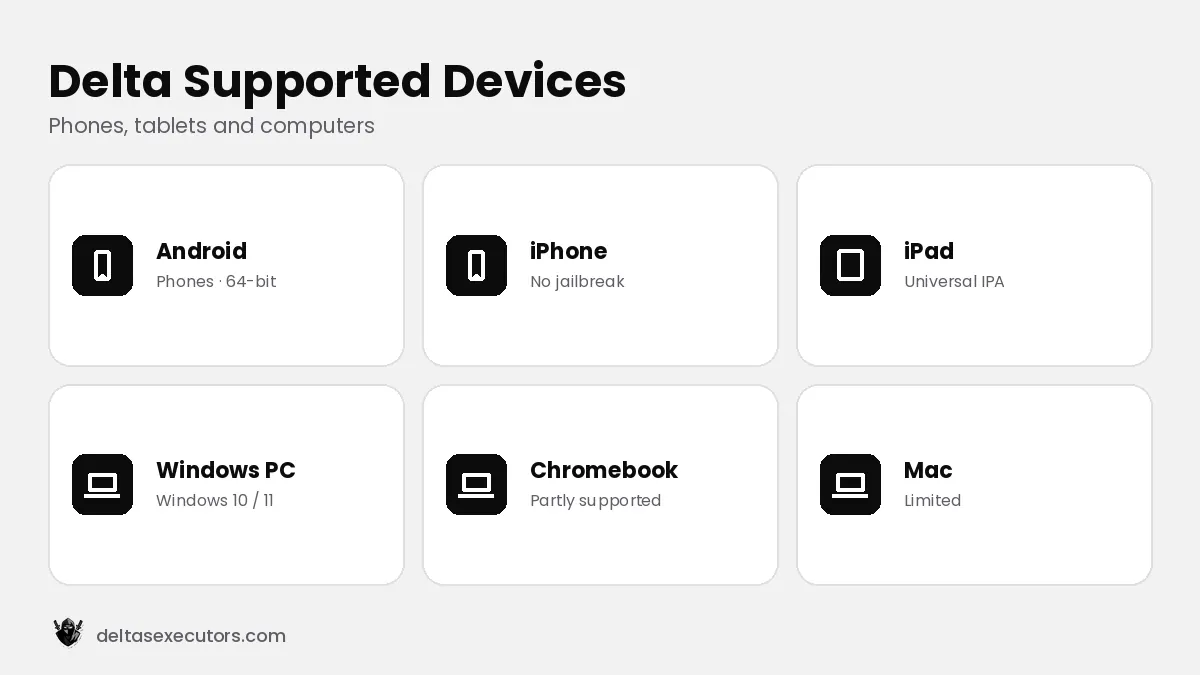
- Works on: Android 8.0 or newer, phones and tablets, no root needed.
What is the Delta Executor APK?
The Delta APK is the Android edition of Delta Executor. Instead of being a separate tool that runs next to Roblox, it is packaged as a modified Roblox client: you open Delta, log in to Roblox inside it, and a small floating Delta button appears on top of every game. Tapping that button opens the script editor, the script hub, the console and the settings.
Because the APK replaces the normal Roblox app, Android cannot keep both installed at the same time in most cases. That is why the first step is removing the Play Store Roblox app.
How to Download and Install Delta Executor on Android
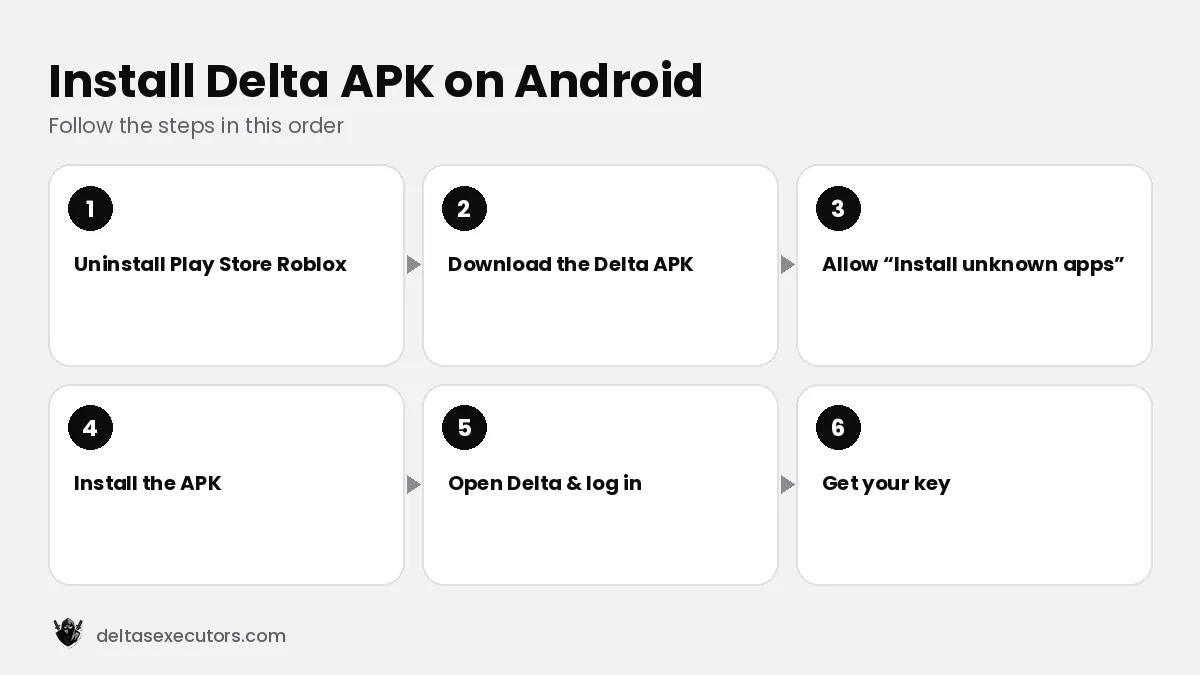
- Uninstall Roblox from the Play Store. Long-press the Roblox icon → Uninstall. Your progress is saved to your Roblox account, not the phone.
- Download the latest Delta APK. Use the download button on this page. A genuine file is usually ≈ 200–230 MB; a 5–20 MB file is almost certainly fake.
- Allow unknown apps. Go to Settings → Apps → Special access → Install unknown apps and allow your browser or file manager.
- Install the APK. Open the downloaded file and tap Install. If Play Protect warns you, choose More details → Install anyway only if the file came from the official link.
- Open Delta and log in to Roblox. Use an alternate account if you want to protect your main account.
- Get your key. Tap Receive Key, complete the checkpoints in your browser, copy the key and paste it into Delta.
How to update Delta Executor on Android
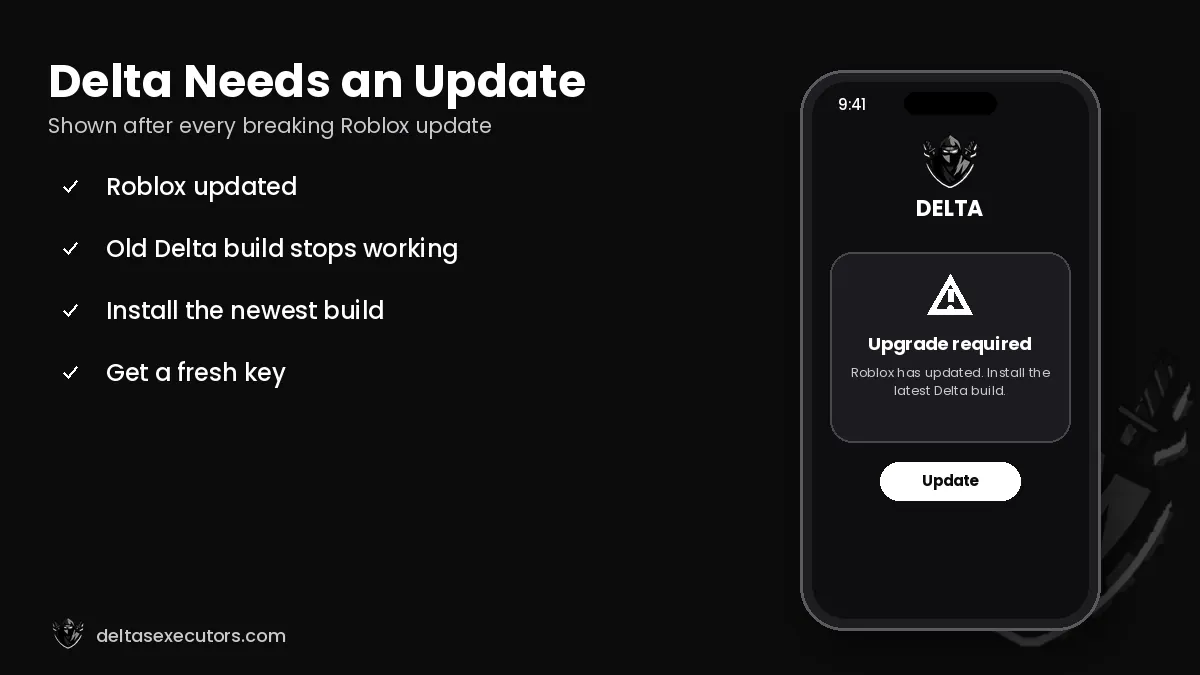
When Roblox releases an update, the old Delta build stops working and shows an upgrade message. To update:
- Wait for the new Delta build (usually a few hours to two days after the Roblox update).
- Download the new APK from the official link.
- Install it over the old one. If Android says “App not installed”, uninstall the old Delta first and then install the new file.
- Open Delta and generate a fresh key if the old one has expired.
Android requirements
| Android version | Android 8.0 or newer |
|---|---|
| Device type | 64-bit phone or tablet (Samsung, Xiaomi, Oppo, Vivo, Realme, Pixel and others) |
| RAM | 3 GB minimum, 4 GB+ recommended for heavy scripts |
| Free storage | 500 MB or more |
| Root | Not required |
| Internet | Required for Roblox and the key system |
Common Delta APK errors and fixes
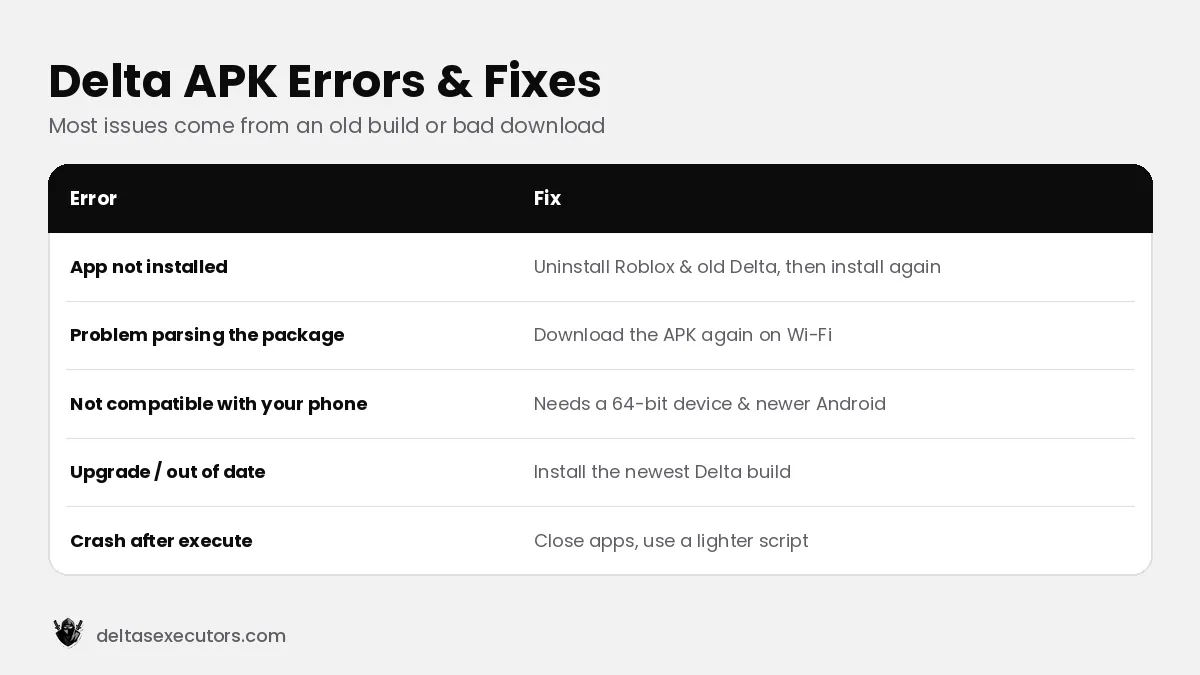
| Error | Why it happens | Fix |
|---|---|---|
| App not installed | Roblox from Play Store is still installed, or the old Delta conflicts | Uninstall Roblox and old Delta, then install again |
| There was a problem parsing the package | Incomplete or corrupt download | Delete the file and download it again on Wi-Fi |
| App isn’t compatible with your phone | Android version too old or 32-bit device | Check the requirements table above |
| Upgrade / out of date | Roblox updated, Delta not yet | Wait for and install the new Delta build |
| Crash after executing | Low RAM or a heavy script | Close background apps, lower graphics, try another script |
Is the Delta APK safe on Android?
Google Play Protect and many antivirus apps flag executors because they modify another app — this is expected behaviour, not proof of a virus. The real risk comes from fake APKs that copy Delta’s name. Stick to the official link, compare the file size, and never give an app permissions it does not need (SMS, contacts, accessibility). Remember that using any executor breaks Roblox rules, so use an alt account. Full details: Is Delta Executor safe?
Delta Executor APK FAQs
Is the Delta Executor APK free?
Yes. The Delta APK is free. You only need a free key from the in-app Receive Key button.
Why does it say “App not installed”?
The Play Store Roblox app or an old Delta build is still installed, or the download is incomplete. Uninstall both and install the fresh APK.
Do I need root for Delta on Android?
No. Delta runs on normal, unrooted Android phones and tablets.
How big is the Delta APK?
A genuine Delta APK is roughly 200–230 MB because it contains a full Roblox client. Very small files are usually fake.
Can I keep the normal Roblox app installed?
Usually not. The Delta APK is a modified Roblox client, so Android treats it as the same app and blocks installing both.
How do I download Delta Executor 2026 for Android?
Use the download button on this page, allow “Install unknown apps” for your browser, install the APK and open Delta to get your key.
Using an iPhone instead? Read Delta Executor iOS. Need a key? See the Delta key guide.
Written by Delta Executors Editorial Team
We test Delta Executor builds on Android phones, iPhones and Windows PCs and update these guides after every Roblox and Delta release.