Quick answer
To update Delta Executor, download the newest build for your device and install it over (or after removing) the old one. On Android, install the new APK; if it fails, uninstall the old Delta first. On iOS, delete the old app and reinstall the new IPA or direct-install link. Then open Delta and get a fresh key if needed.
When do you need a Delta update?
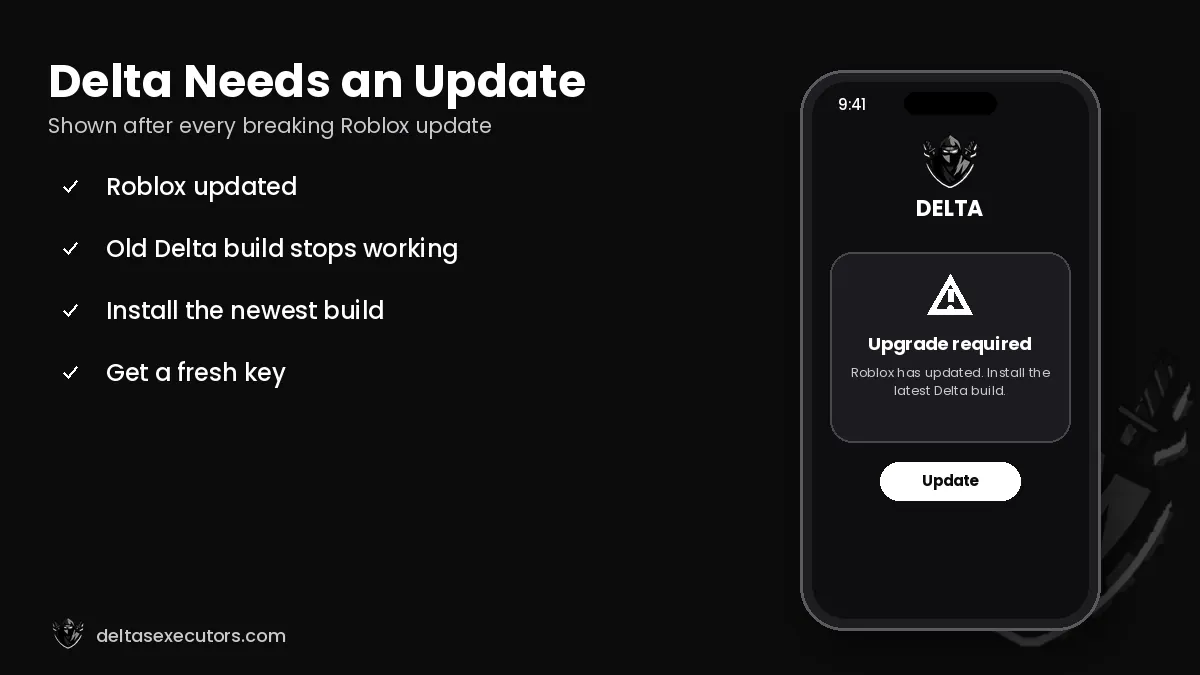
Roblox updates its app almost every week. Each time it does, Delta must be adjusted to the new client. Until you install the matching Delta build, you will see messages like “Upgrade”, “Roblox is out of date” or the executor simply refuses to inject. The current build listed on this site is Latest build, last checked on October 21, 2026.
How to update Delta Executor on iOS
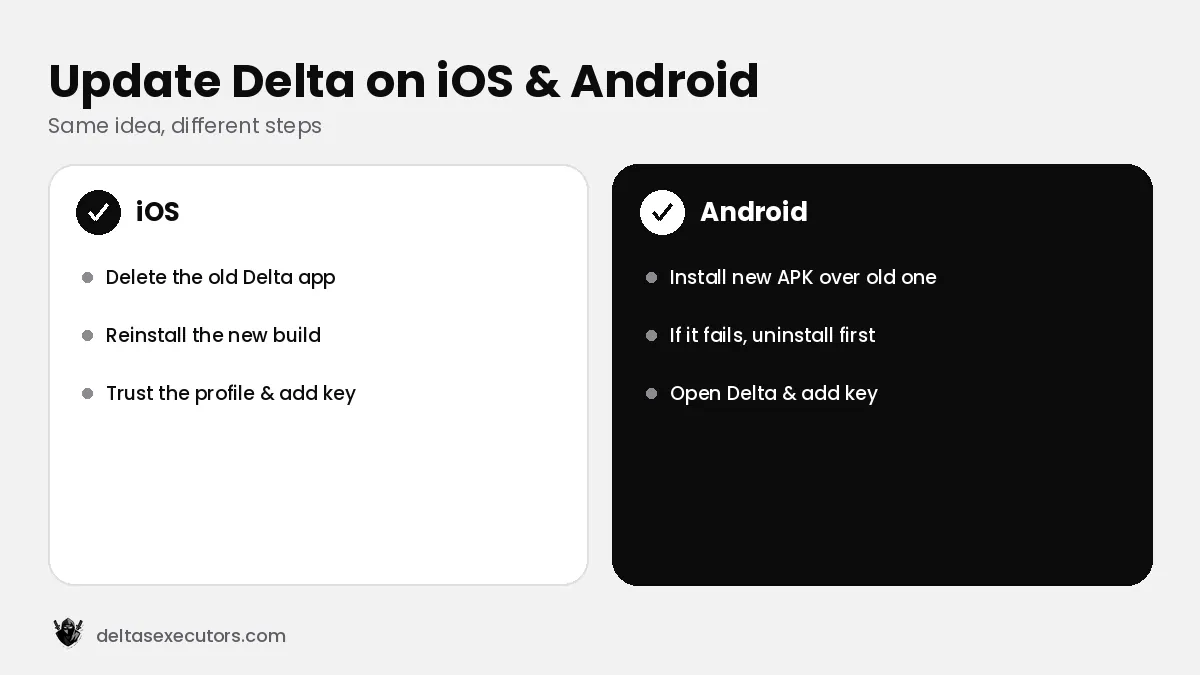
- Wait until the new Delta iOS build is released after the Roblox update.
- Delete the current Delta app (your Roblox progress is saved to your account).
- Install the new version with the same method you used before — direct install link, on-device signer or Sideloadly/AltStore.
- Trust the profile again in Settings → General → VPN & Device Management if iOS asks.
- Open Delta and paste a new key.
How to update Delta Executor on Android
- Download the latest Delta APK.
- Open the file and tap Update or Install.
- If you see “App not installed”, uninstall the old Delta, then install the new APK.
- Open Delta, log in and generate a key.
How to update Delta on PC
The Windows build normally updates itself when you open it. If it doesn’t, download the latest installer, replace the old files in your Delta folder and run it again. Make sure Roblox itself is updated first.
How long does a Delta update take after a Roblox update?
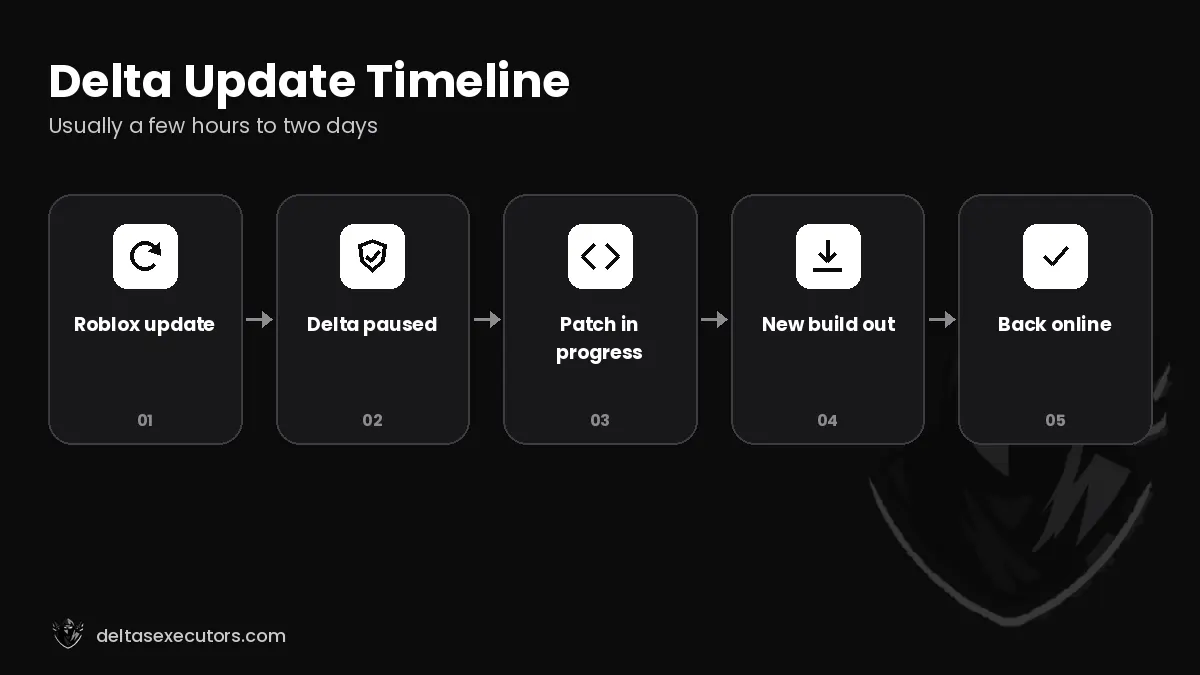
Usually a few hours to two days. Small Roblox updates sometimes don’t break Delta at all, while big changes to Roblox’s anti-tamper can take longer. Reinstalling the old build repeatedly will not help — only the new build fixes the upgrade error.
Delta Update FAQs
How do I update Delta Executor on iOS?
Delete the old app and reinstall the newest build with your usual method (direct install, signer or Sideloadly), then trust the profile and paste a new key.
How do I update Delta on Android?
Install the newest APK over the old one. If it fails, uninstall the old Delta first.
When is the next Delta update?
Usually a few hours to two days after each Roblox update that breaks the current build.

Written by Delta Executors Editorial Team
We test Delta Executor builds on Android phones, iPhones and Windows PCs and update these guides after every Roblox and Delta release.