Quick answer
The Delta Executor Discord is the community server where the Delta team posts update announcements, status messages and support channels. Join it only from the invite link inside the official Delta app or its official website — many fake “Delta” servers exist to spread fake downloads, sell fake keys or steal accounts.
Why join the Delta Discord?
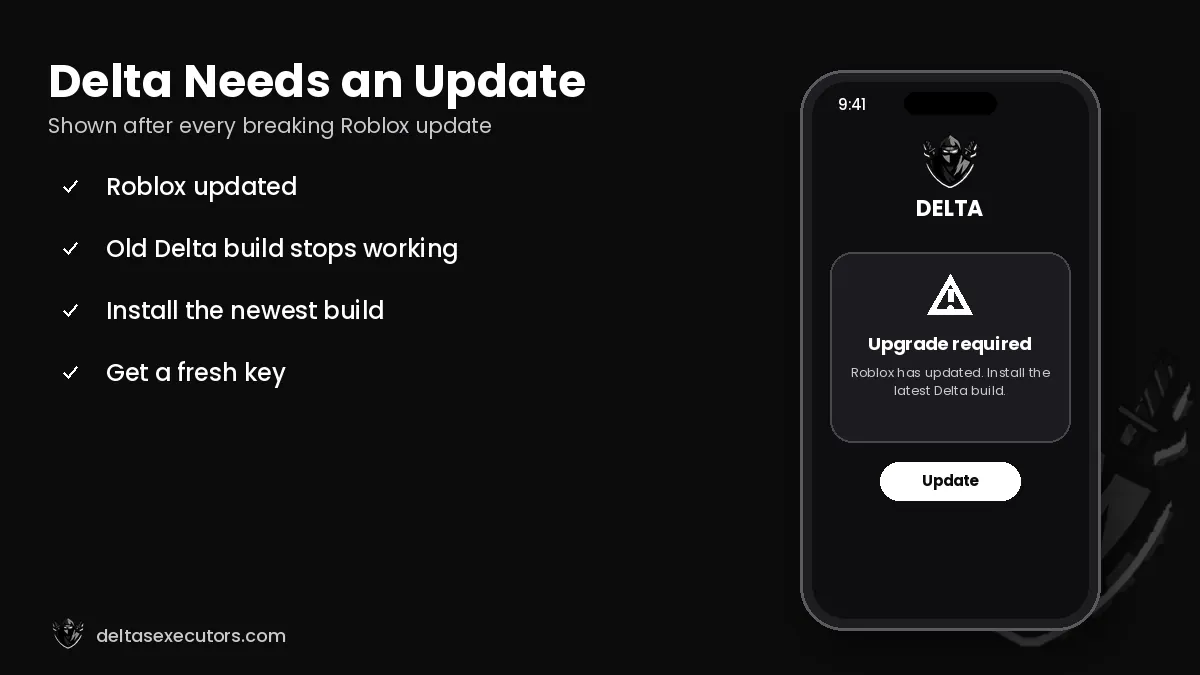
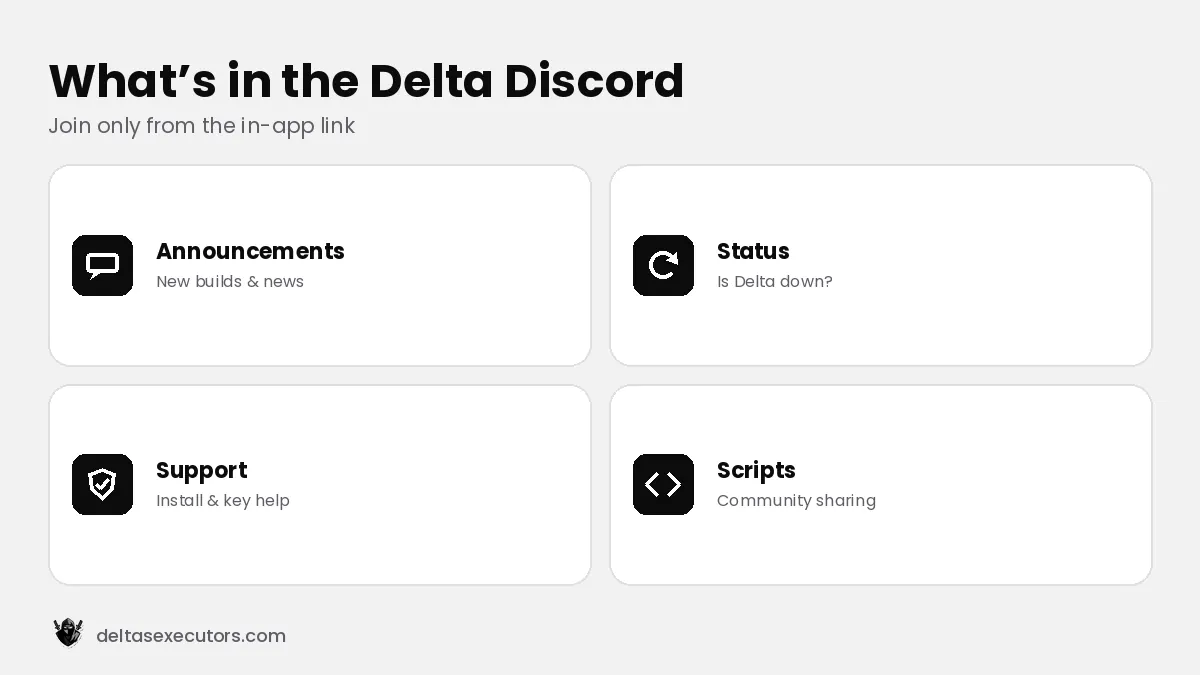
- Update announcements: know immediately when a new build fixes the upgrade error.
- Status: see whether Delta is down for everyone or only for you.
- Support channels: ask for help with install or key problems.
- Script sharing: community members share and review scripts.
How to find the real Delta Discord invite
- Open the Delta app and look for the Discord button on the key screen or in settings.
- Tap it — the app opens the current official invite.
- Check the server: an official server has announcement channels, verified staff roles and a large member count.
- Read the rules and pinned messages before downloading anything.
How to spot fake Delta Discord servers
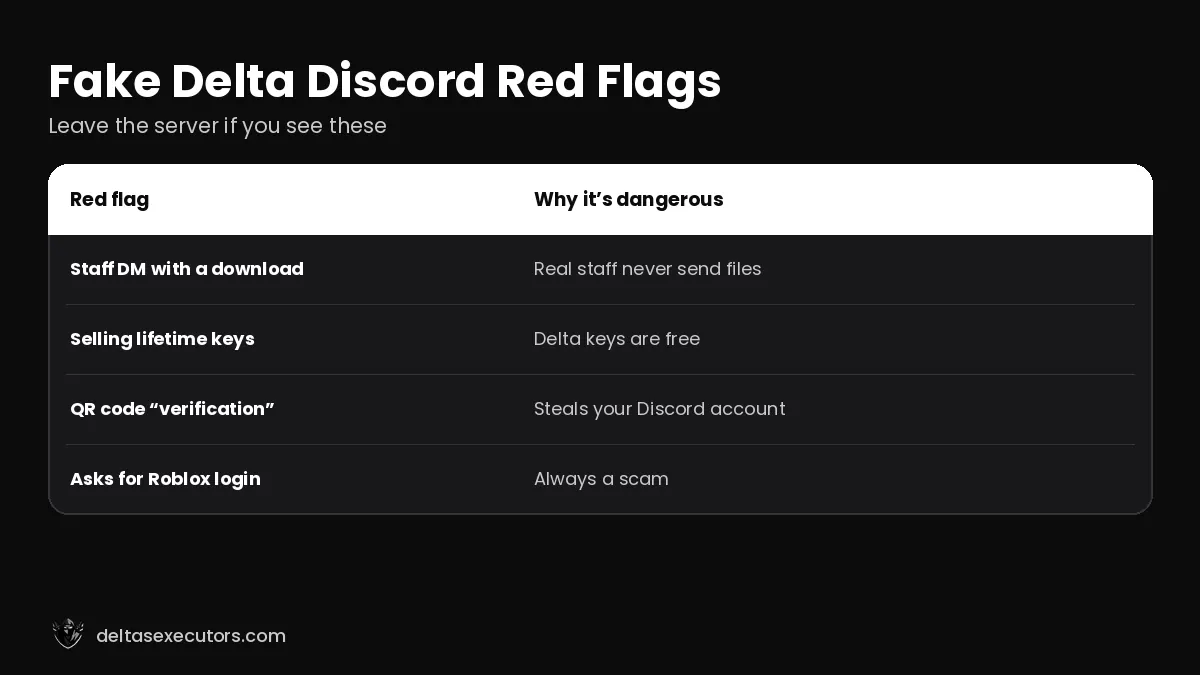
| Red flag | Why it’s dangerous |
|---|---|
| DM from a “staff member” with a download | Real staff don’t send files in DMs |
| Selling “lifetime keys” | Delta keys are free and generated in-app |
| Asks you to scan a QR code to verify | A common trick to steal Discord accounts |
| Asks for your Roblox login | Always a scam |
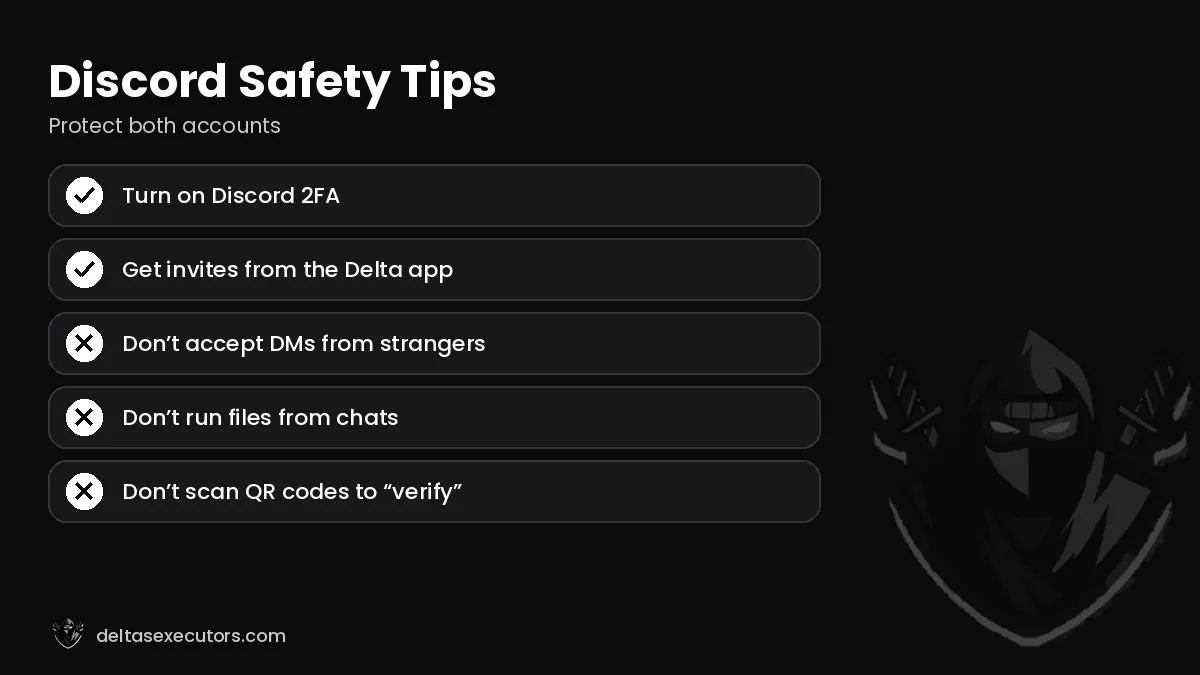
Discord safety tips
Turn on two-factor authentication on Discord, disable DMs from server members you don’t know, and never run files sent by strangers. If a link is “expired”, get a fresh invite from the app instead of searching for random invites online.
Delta Discord FAQs
Where is the Delta Executor Discord link?
Inside the official Delta app (key screen or settings) and on Delta’s official channels.
Do Delta staff send downloads in DMs?
No. Treat any DM with a “Delta download” or “free key” as a scam.

Written by Delta Executors Editorial Team
We test Delta Executor builds on Android phones, iPhones and Windows PCs and update these guides after every Roblox and Delta release.