Quick answer
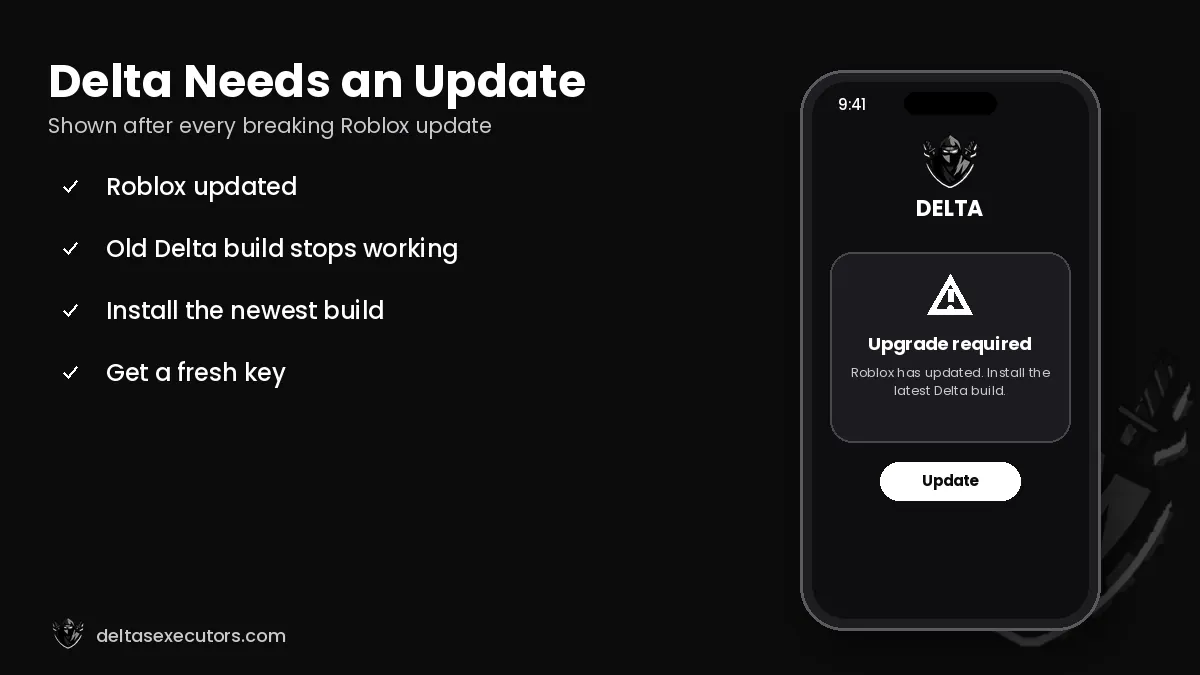
If Delta Executor is not working, the cause is almost always an outdated build after a Roblox update, an expired key or a broken download. Install the newest Delta version, generate a fresh key, clear the Roblox cache and restart both apps. If Delta shows “upgrade” right after a Roblox update, wait for the developers’ patch — usually a few hours to two days.
Delta status
Delta is working with the current Roblox version.
Last checked: October 21, 2026 · Current build: Latest build
Is Delta Executor down right now?
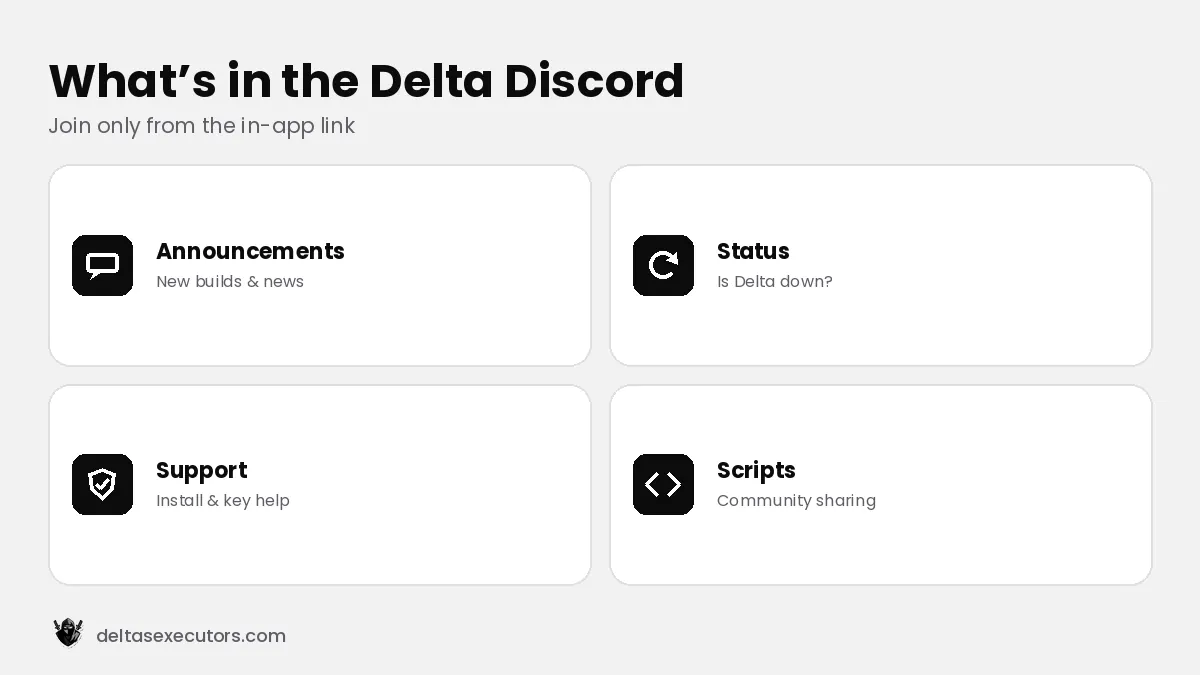
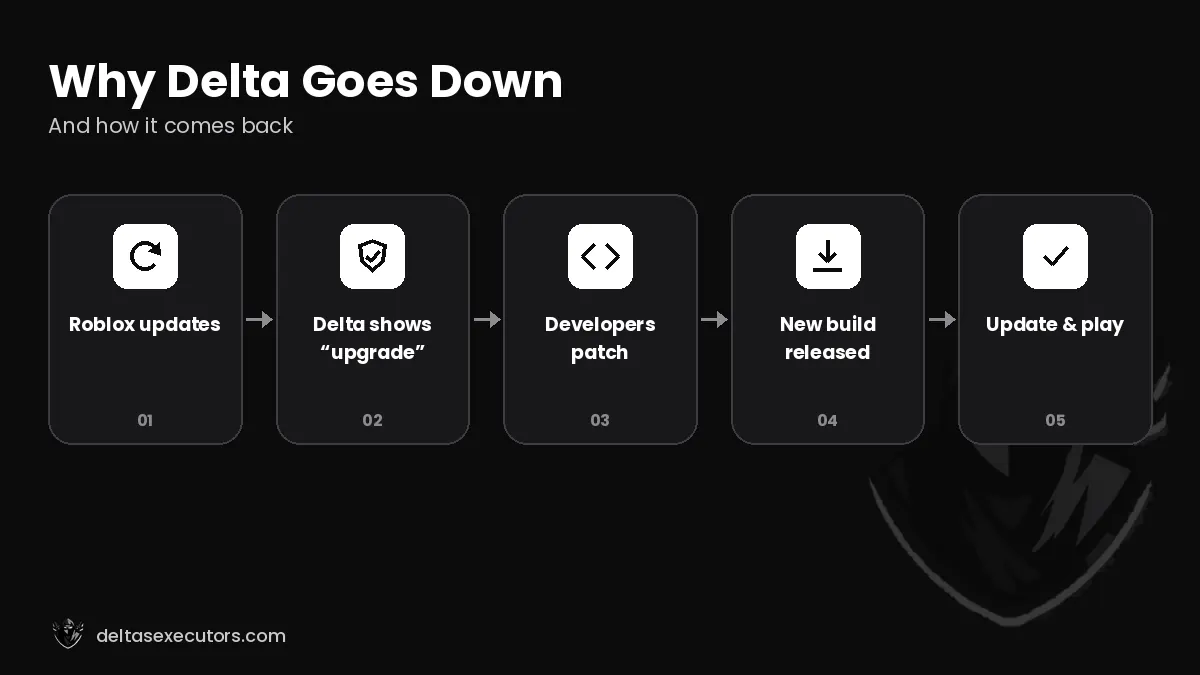
Delta goes “down” when Roblox pushes a client update that the current Delta build does not support yet. During that time every user sees the same upgrade or out of date message, and no reinstall or key will fix it. Check the status box above, the Delta Discord announcements or the update date on our download pages. When a new build is released, update and you’re back in.
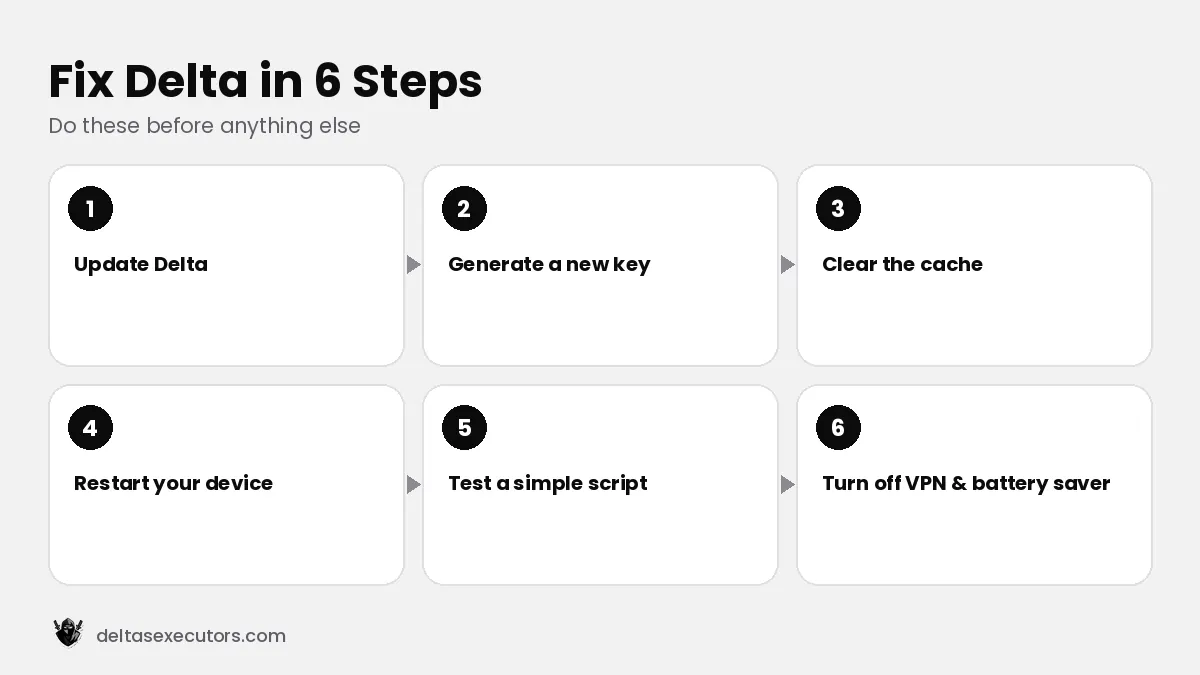
General fix: do these 6 steps first
- Update Delta to the newest build for your device (Android, iOS, PC).
- Generate a new key — expired keys are the second most common cause.
- Clear the cache: Android Settings → Apps → Delta → Storage → Clear cache; iOS reinstall the app.
- Restart the device to clear memory.
- Test a simple script such as a print statement to confirm the executor itself works.
- Turn off VPN and battery saver while playing; they can block the key check and close background processes.
Delta Executor errors explained
| Error | Meaning | Fix |
|---|---|---|
| Upgrade / Roblox is out of date | Roblox updated, Delta not yet | Wait for and install the new Delta build |
| Execute does nothing | Key expired or script broken | New key, then test a simple script |
| App not installed (Android) | Package conflict or bad file | Uninstall Roblox/old Delta and reinstall |
| Unable to install (iOS) | Certificate revoked | Use a new link or sideload the IPA |
| Crash on inject | Low RAM / heavy script | Close apps, lower graphics, lighter script |
| Kicked from game | The game’s own anti-cheat | Script is detected in that game — stop using it |
Why can’t I install Delta Executor?
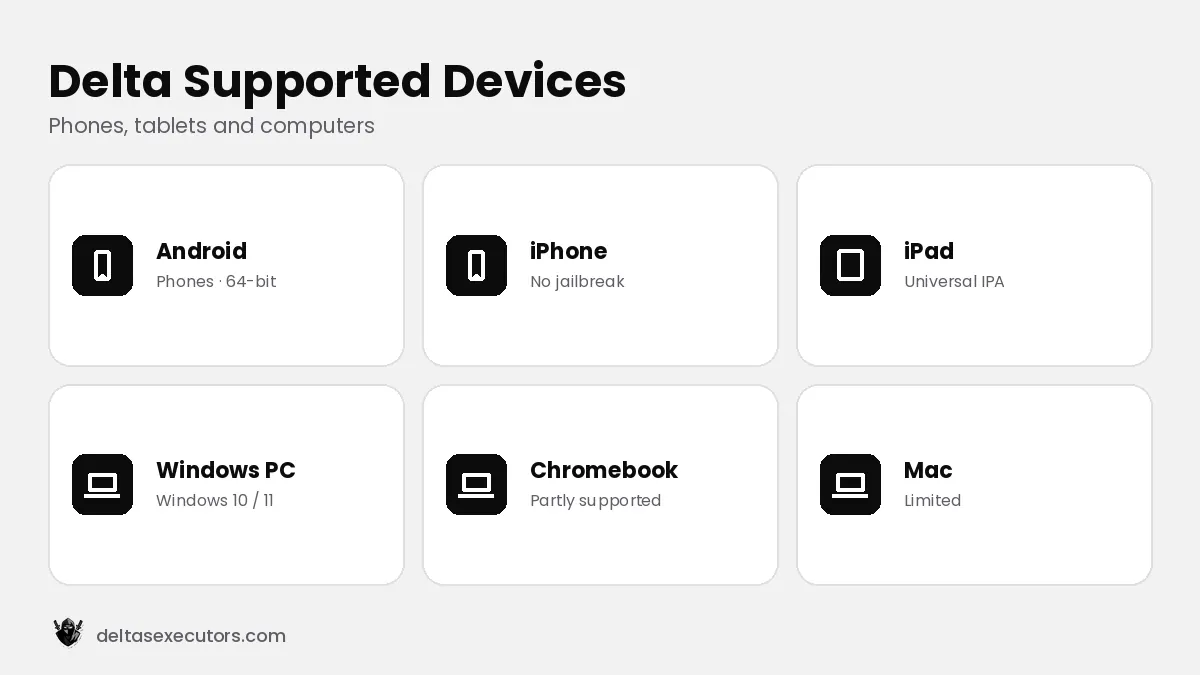
On Android, installation fails when the official Roblox app is still installed, when the APK download is incomplete, or when the phone is 32-bit or below the minimum Android version. On iPhone, installs fail when the signing certificate behind a direct link has been revoked by Apple. On Windows, the antivirus may quietly delete the file. Each platform guide covers these cases in detail.
Delta works but a script does not
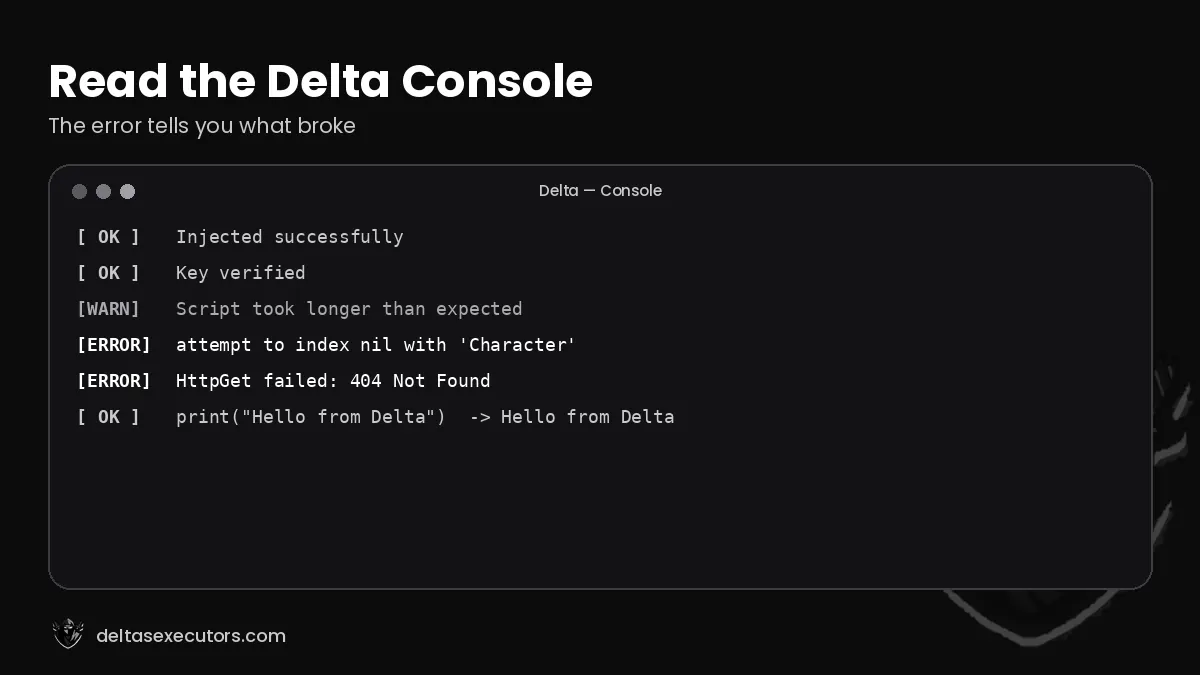
If simple scripts run but a game script fails, the problem is the script, not Delta. Game developers update their experiences often, which breaks scripts that rely on old game code. Look at the console tab for the error line, check whether the script was updated recently, or try another script for that game.
Delta Not Working FAQs
Is Delta Executor down right now?
Check the status box at the top of this page. Delta is “down” for everyone when Roblox updates before Delta releases a matching build.
Why is Delta Executor not working?
Usually an outdated build after a Roblox update, an expired key or a broken download. Update Delta, generate a new key and restart.
Why can’t I install Delta Executor?
On Android the Play Store Roblox app or an old Delta blocks the install; on iOS the certificate may be revoked; on PC the antivirus may delete the file.
When will Delta Executor be back up?
Usually within a few hours to two days after a Roblox update, depending on how big the update is.
Does Delta Executor work today?
See the status and “last checked” date at the top of this page, which we update after each Roblox release.

Written by Delta Executors Editorial Team
We test Delta Executor builds on Android phones, iPhones and Windows PCs and update these guides after every Roblox and Delta release.