Quick answer
You can install Delta Executor on iOS in two ways: a direct install link that works on iPhone and iPad without a computer, or by sideloading the Delta IPA with a tool such as Sideloadly, AltStore or an on-device signer like ESign. After installing, trust the developer profile in Settings → General → VPN & Device Management, open Delta and paste your key.
Delta Executor iOS (IPA)
Delta iOS at a glance
- File: IPA (modified Roblox client with the Delta overlay).
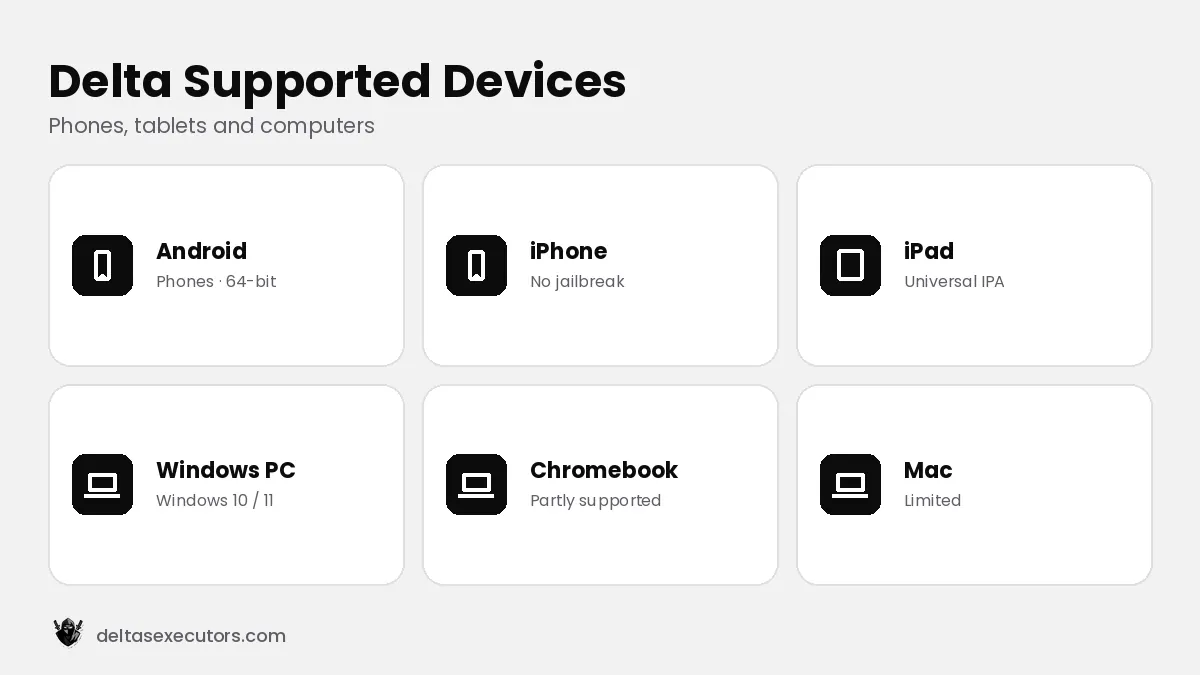
- Devices: iPhone and iPad, iOS 15 or newer.
- Jailbreak: not needed.
- Version: Latest build (checked October 21, 2026).
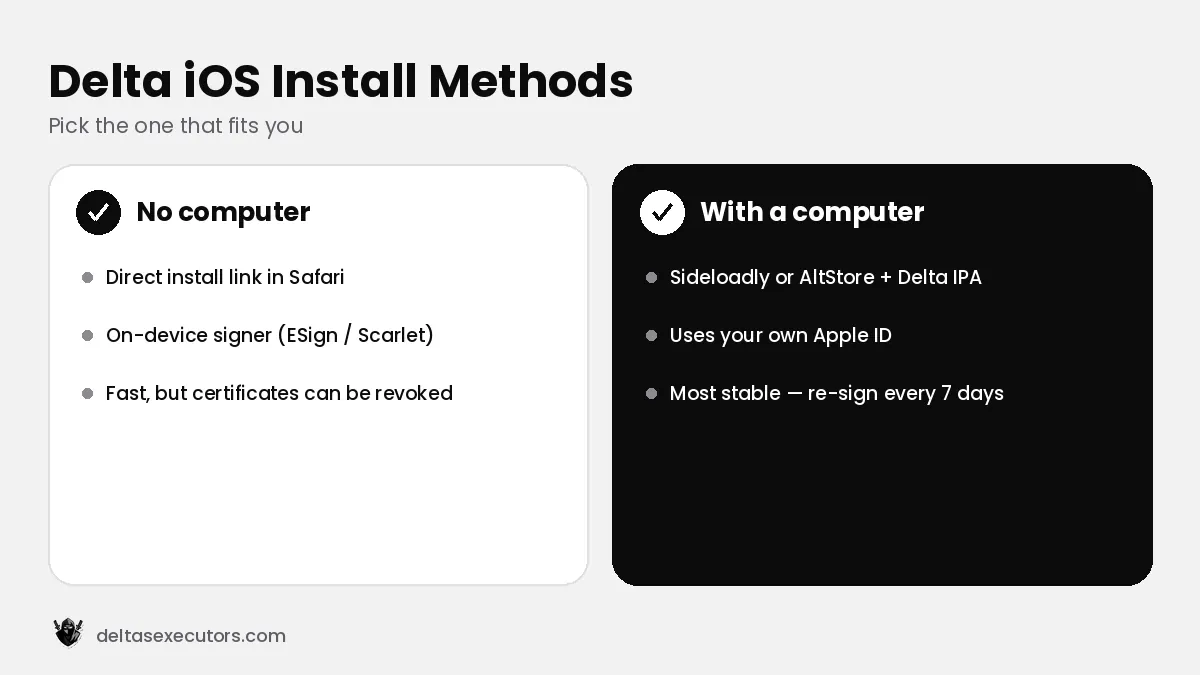
Delta iOS install methods compared
| Method | Computer needed? | How long it lasts | Best for |
|---|---|---|---|
| Direct install link | No | Until Apple revokes the certificate (can be days or weeks) | Quick setup on iPhone/iPad |
| On-device signer (ESign, Scarlet, Feather) | No | Depends on the certificate you sign with | Users who already have a signer |
| Sideloadly / AltStore | Yes (once) | 7 days with a free Apple ID, then re-sign | Most stable, no revoked certificates |
How to install Delta Executor on iOS without a computer (direct install)
- Open the Delta iOS download link in Safari. Other browsers often cannot install apps directly.
- Tap Install / Get and confirm the pop-up. The icon appears on your home screen and downloads in the background.
- Trust the profile. Open Settings → General → VPN & Device Management, tap the developer profile and choose Trust.
- Turn on Developer Mode if asked (iOS 16 and newer): Settings → Privacy & Security → Developer Mode, then restart.
- Open Delta, log in to Roblox and tap Receive Key to unlock the executor.
Tip: if the icon stays grey or says “Unable to install”, the certificate behind that link has been revoked. Delete the icon and use a fresh link or the sideload method below.
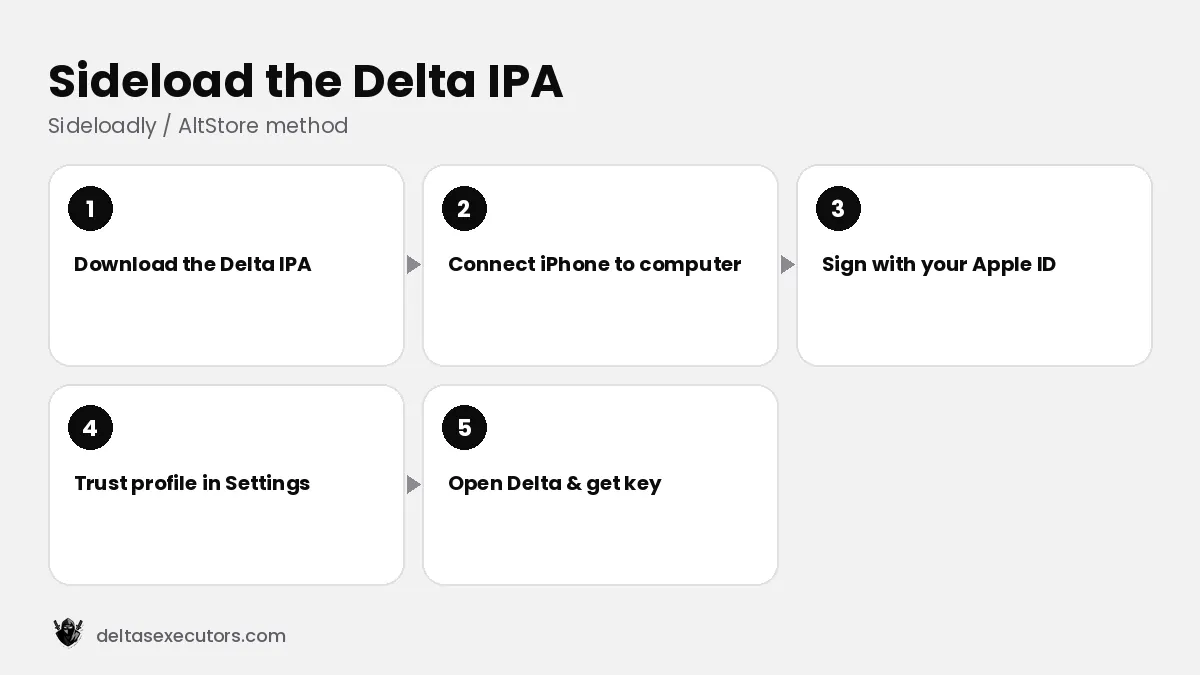
How to install the Delta IPA with Sideloadly or AltStore
- Download the latest Delta IPA file on your computer.
- Install Sideloadly (Windows/macOS) or AltStore, connect your iPhone or iPad with a cable and unlock it.
- Drag the IPA into Sideloadly, enter your Apple ID and press Start. A secondary Apple ID is recommended.
- On the device, trust your Apple ID in Settings → General → VPN & Device Management.
- Open Delta and get your key. With a free Apple ID you must re-sign every 7 days.
How to update Delta Executor on iOS
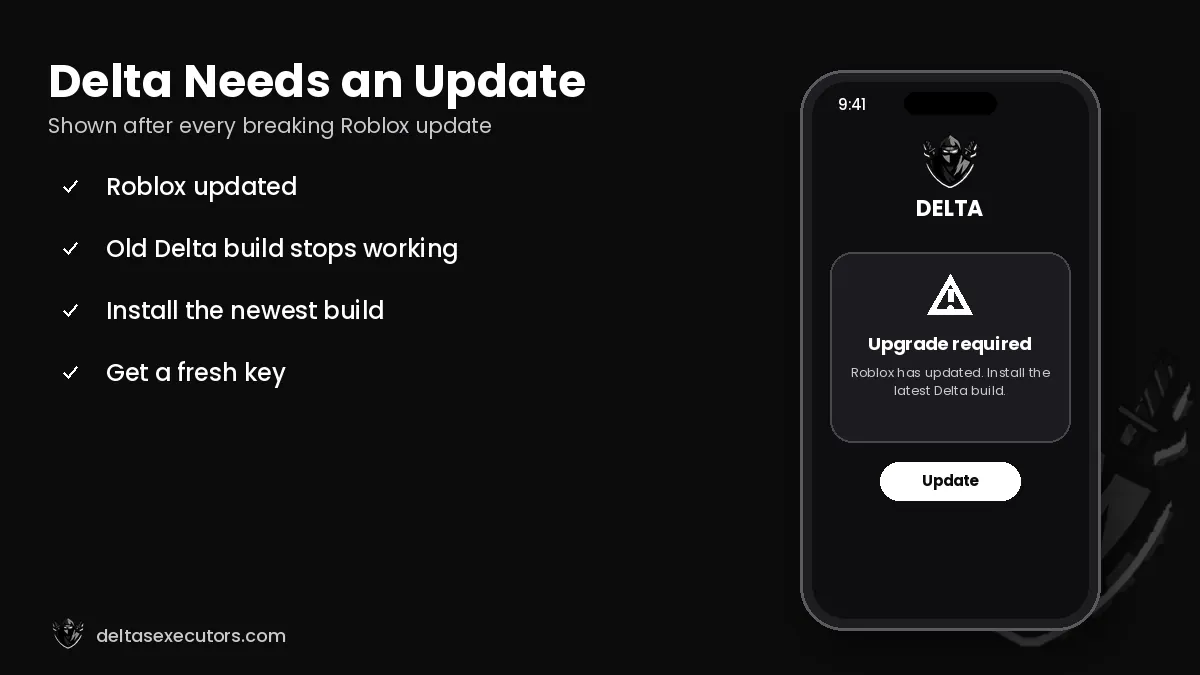
iOS does not update sideloaded apps automatically. When Roblox updates and Delta shows an upgrade message, delete the old Delta app, then install the new build with the same method you used before. Your Roblox progress is stored on your account, so nothing is lost. Step-by-step instructions are in our Delta update guide.
Delta Executor on iPad
The iOS build is universal, so the same IPA and direct install link work on iPad and iPad mini. The overlay scales to the larger screen and many players find the editor easier to use on a tablet. Requirements are the same as on iPhone: iOS 15 or newer and at least 500 MB of free space.
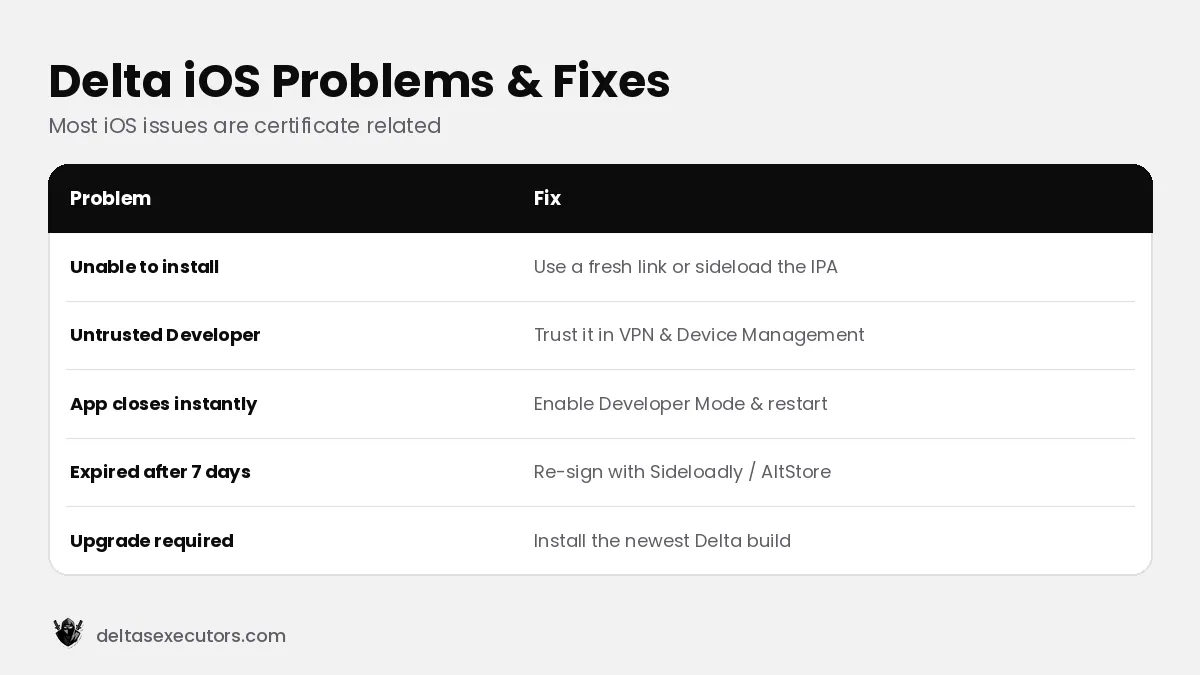
Delta iOS problems and fixes
| Problem | Fix |
|---|---|
| “Unable to install Delta” | The certificate is revoked — use a new direct link or sideload the IPA. |
| “Untrusted Enterprise Developer” | Trust the profile in VPN & Device Management. |
| App closes instantly | Enable Developer Mode, restart, or reinstall a fresh copy. |
| Upgrade / out of date | Install the newest Delta build after the Roblox update. |
| Expired after 7 days | Re-sign the IPA with Sideloadly or refresh in AltStore. |
Is Delta safe on iPhone?
A sideloaded IPA runs inside the normal iOS sandbox, so it cannot read other apps’ data. The risks are the same as on other platforms: a fake IPA from an unknown source, and a possible Roblox ban because executors break the Terms of Use. Avoid “install” pages that ask you to download a configuration profile or VPN, and never enter your main Apple ID into an unknown signing website. Read more in Is Delta Executor safe?
Delta Executor iOS FAQs
Can I install Delta Executor on iOS without a computer?
Yes. Use a direct install link in Safari or an on-device signer, then trust the profile in Settings → General → VPN & Device Management.
Do I need to jailbreak my iPhone for Delta?
No. Delta iOS installs through sideloading or direct install links without a jailbreak.
Why does Delta iOS say “Unable to install”?
Apple revoked the certificate used by that link. Use a fresh link or sideload the IPA with your own Apple ID.
Does Delta work on iPad?
Yes. The Delta IPA is universal and works on iPad and iPad mini with the same steps.
How often do I need to reinstall Delta on iOS?
With a free Apple ID you re-sign every 7 days. Direct install links last until their certificate is revoked. You also reinstall after each Roblox update.
How do I update Delta Executor on iOS?
Delete the old app and install the newest build with the same method you used before, then paste a new key.
On Android? Go to Delta Executor APK. Need a key? See how to get a Delta key.

Written by Delta Executors Editorial Team
We test Delta Executor builds on Android phones, iPhones and Windows PCs and update these guides after every Roblox and Delta release.